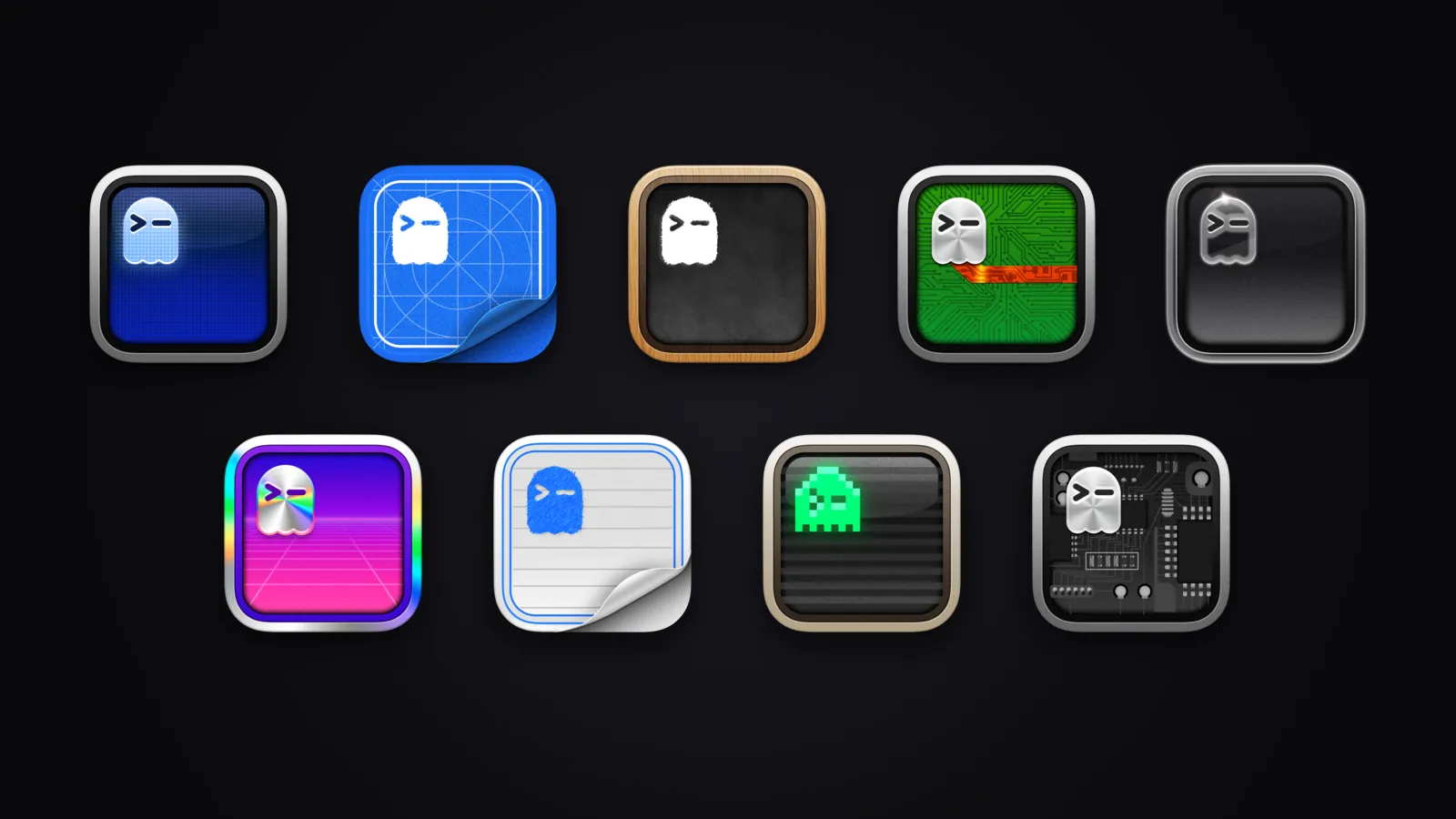
The collection covers the nine official Ghostty app icons: the default ghost, Blueprint, Chalkboard, Microchip, Glass, Holographic, Paper, Retro and X-Ray. Pick a style to preview it, download the original PNG, or copy a standalone macOS command that switches Ghostty to it. No script download is needed.The command writes the macos-icon setting to your existing native macOS config, falls back to the XDG config, and creates the native config only if neither exists. It backs the file up first, prints where it wrote, and tries to reload Ghostty. If you start Ghostty with a custom --config-file, copy the macos-icon line into that file instead. You need a Ghostty version that supports these icon options.The artwork comes from the official Ghostty repository (MIT license, commit 492300cad). This page only adds browsing and switching, and is not an official Ghostty tool.Open the collection