The workspace stays on your Mac.
工作区始终留在你的 Mac。
Projects, assets, history, settings, and exports stay local. Clean Design has no account system or hosted workspace.
项目、素材、历史、设置和导出都保存在本地。Clean Design 没有账户系统,也没有托管工作区。
 Clean Design
Generate with the AI tools you already use, then refine every result on a real canvas.
使用你已经在用的 AI 工具生成,再在真实画布上继续打磨。
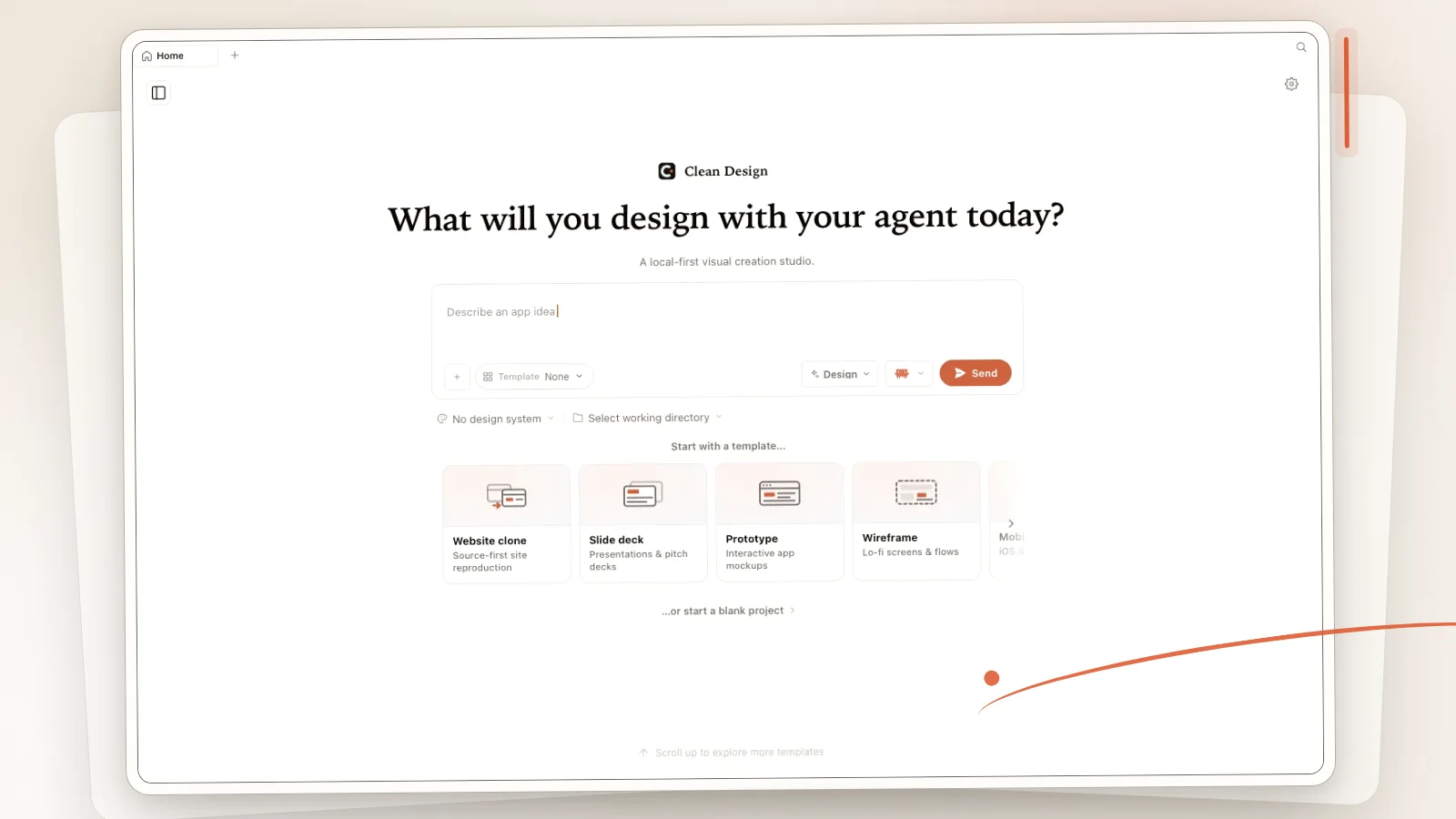
One supported local CLI enters the workspace. Clean Design turns its output into a project you can refine, inspect, and hand off.
一个受支持的本地 CLI 进入工作区。Clean Design 把输出变成可以继续打磨、检查和移交的项目。
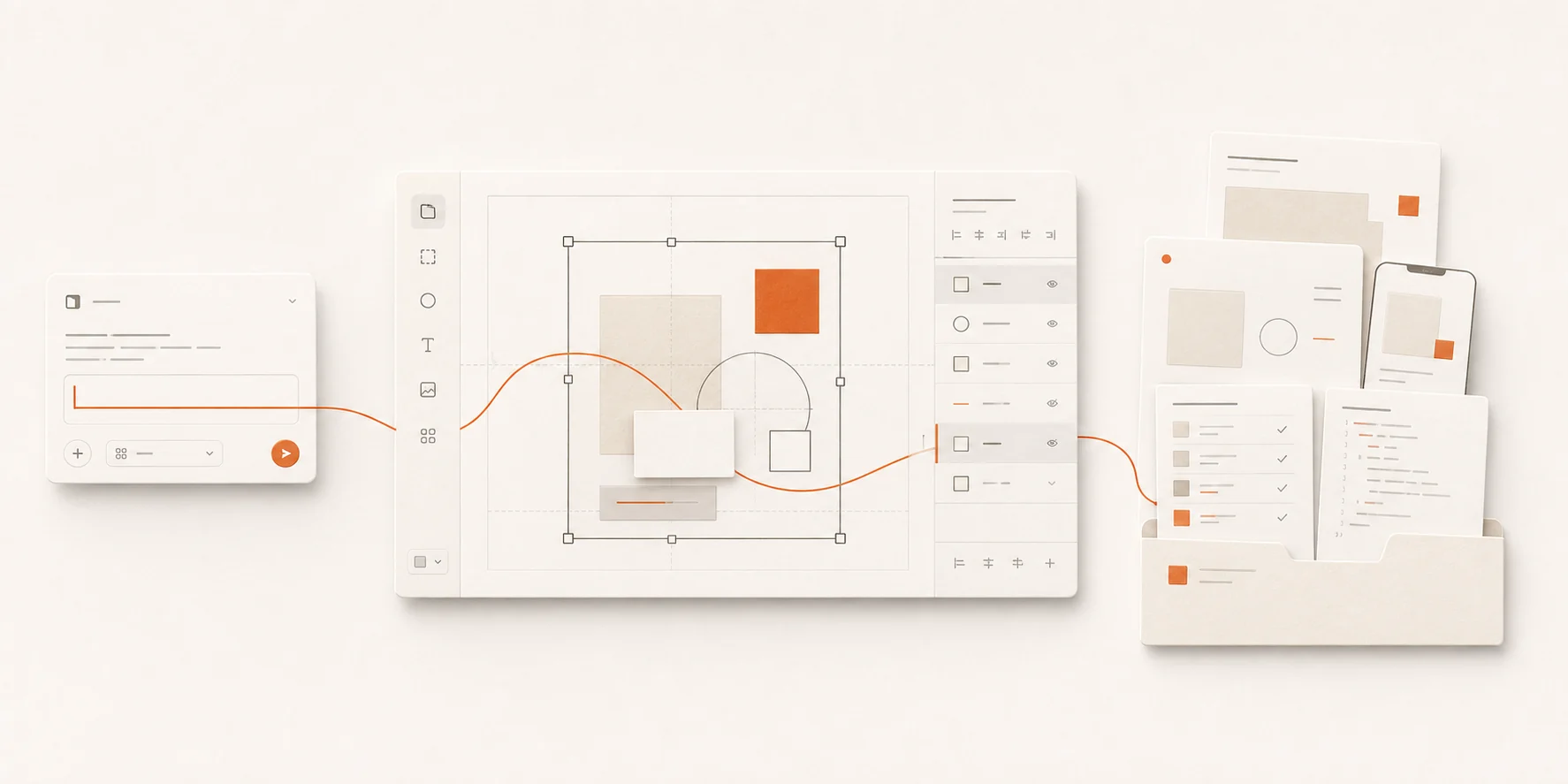
Prefer an API key? Configure a BYOK provider separately inside the app.
更习惯 API 密钥?可以在应用内单独配置 BYOK 模型提供商。
One project model carries prototypes, presentations, documents, systems, brands, images, video, and audio.
同一个项目模型承载原型、演示文稿、文档、系统、品牌、图像、视频和音频。
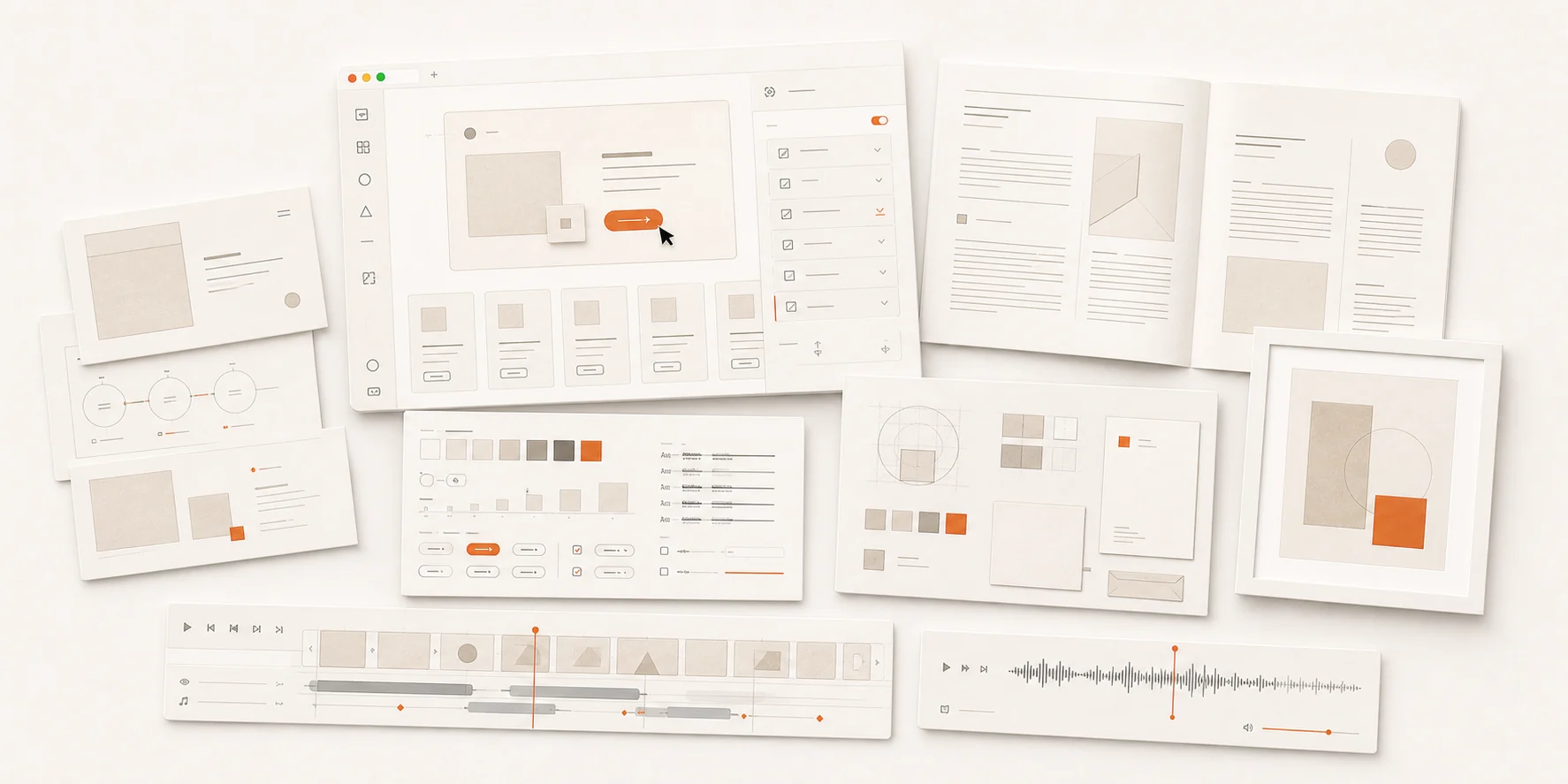
Projects, assets, history, settings, and exports stay local. Clean Design has no account system or hosted workspace.
项目、素材、历史、设置和导出都保存在本地。Clean Design 没有账户系统,也没有托管工作区。
The application is open source. The handoff keeps project files, a manifest, design context, and available previews together.
应用开放源码。移交包把项目文件、清单、设计上下文和可用预览放在一起。
Clean Design v0.1.0 is available for Apple Silicon Macs. Download the DMG, move the app to Applications, and bring one supported local CLI.
Clean Design v0.1.0 面向 Apple 芯片 Mac。下载 DMG,将应用移入「应用程序」,再带上一个受支持的本地 CLI。
The app is ad-hoc signed but not Apple-notarized. After verifying the download, Control-click the app and choose Open if Gatekeeper asks.
应用使用 ad-hoc 签名,但没有经过 Apple 公证。校验下载后,如果 Gatekeeper 要求确认,请按住 Control 点按应用并选择「打开」。