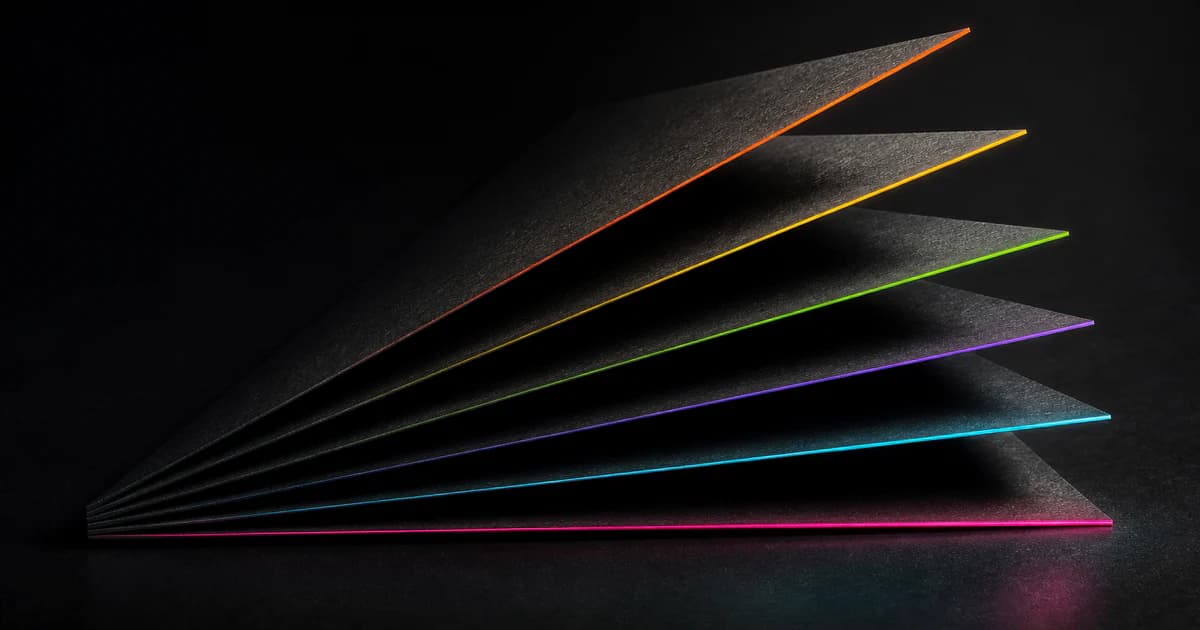
Sometimes you want something more aggressive than clean minimalism. Neon glow, matrix-green terminals, cyberpunk grid backgrounds — this is that theme.
Why Build Another Theme?
The Neon Palette
| Color | Hex | Usage |
|---|---|---|
| Neon Pink | #ff006e | H1 glow, errors, warnings |
| Neon Cyan | #00f5ff | H2 glow, accent, links |
| Neon Purple | #b300ff | H3 glow, interactive elements |
| Matrix Green | #39ff14 | H4 glow, code blocks, success states |
| Neon Yellow | #ffed00 | H5 glow, highlights |
| Neon Orange | #ff4500 | H6 glow, warnings |
| Cyber Black | #0a0a0f | Background |
| Grid Cyan | #1a1a2e | Background grid lines |
What I Built
Obsidian Theme
- Neon glow headings: H1 through H6 each have their own color + text-shadow glow effect
- Matrix-green code blocks: Terminal aesthetic with green text on near-black background
- Cyberpunk grid background: Faint cyan grid lines (rgba(255,255,255,0.06) at 20px spacing)
- Rainbow <hr>: Gradient horizontal rules using the full neon palette
- [ CODE ] badge: Reading view shows a badge before code blocks
- Heading prefixes: ▸, //, >, :: before headings in reading view (CodeMirror limitation — live preview doesn't support ::before pseudo-elements on .HyperMD-header-*)
- Rajdhani font: Google Fonts via @import for that squared-off tech look
Technical Discoveries
- Header wrappers: .cm-s-obsidian .HyperMD-header-N for the wrapper element
- Inline spans: .cm-header-N for the actual text span
- Both need styling: You must target both selectors for consistent rendering
- ::before limitation: Pseudo-elements don't work on .HyperMD-header-* in live preview — they only work in reading mode
md2pdf Cyberpunk Theme
Bash
python md2pdf.py input.md --theme cyberpunk
Installation
Obsidian Theme
Bash
# Clone or download from GitHub
git clone https://github.com/nxxxsooo/obsidian-cyberpunk-theme
# Copy theme.css to your vault
cp obsidian-cyberpunk-theme/theme.css ~/.obsidian/themes/Cyberpunk/
# Enable in Obsidian: Settings → Appearance → Community Themes → Cyberpunk
md2pdf Cyberpunk Support
Bash
# Dark mode (default)
python md2pdf.py doc.md

# Cyberpunk theme
python md2pdf.py doc.md --theme cyberpunk

# Light mode for printing
python md2pdf.py doc.md --light
Published & Submitted
- GitHub repo: github.com/nxxxsooo/obsidian-cyberpunk-theme
- Obsidian Community Themes PR: #11296 (pending review)
Let AI Do It
Markdown
I want to install the Cyberpunk theme for Obsidian and set up md2pdf with Cyberpunk support.
Reference: https://mjshao.fun/blog/obsidian-cyberpunk-theme

My setup:
- Obsidian vault path: [ask me]
- Want md2pdf too: [yes/no]

Steps:
1. Clone https://github.com/nxxxsooo/obsidian-cyberpunk-theme
2. Copy theme.css to vault/.obsidian/themes/Cyberpunk/
3. Enable theme in Obsidian settings (or edit .obsidian/appearance.json)
4. If md2pdf requested: verify ~/.agents/skills/md2pdf/scripts/md2pdf.py has cyberpunk theme
5. Test with: python md2pdf.py test.md --theme cyberpunk
6. Show me how to switch themes in Obsidian
Links
- GitHub repo: github.com/nxxxsooo/obsidian-cyberpunk-theme
- Obsidian PR: github.com/obsidianmd/obsidian-releases/pull/11296
- Typora inspiration: theme.typora.io/theme/Cyberpunk
- Previous: OpenCode themes: /blog/opencode-themes
- Previous: md2pdf skill: /blog/md2pdf-opencode-skill
有时候你就是想要点更激进的东西。霓虹灯、矩阵绿终端、赛博朋克网格背景——这就是那个主题。
为什么要做另一个主题?
霓虹配色
| 颜色 | Hex | 用途 |
|---|---|---|
| 霓虹粉 | #ff006e | H1 发光、错误、警告 |
| 霓虹青 | #00f5ff | H2 发光、强调、链接 |
| 霓虹紫 | #b300ff | H3 发光、交互元素 |
| 矩阵绿 | #39ff14 | H4 发光、代码块、成功状态 |
| 霓虹黄 | #ffed00 | H5 发光、高亮 |
| 霓虹橙 | #ff4500 | H6 发光、警告 |
| 赛博黑 | #0a0a0f | 背景 |
| 网格青 | #1a1a2e | 背景网格线 |
我做了什么
Obsidian 主题
- 霓虹发光标题:H1 到 H6 各有专属颜色 + text-shadow 发光效果
- 矩阵绿代码块:终端美学,近黑背景上的绿色文字
- 赛博朋克网格背景:淡青色网格线(rgba(255,255,255,0.06),20px 间距)
- 彩虹 <hr>:用全套霓虹配色的渐变水平线
- [ CODE ] 徽章:阅读模式下代码块前显示徽章
- 标题前缀:阅读模式下标题前有 ▸、//、>、::(CodeMirror 限制——实时预览不支持在 .HyperMD-header-* 上用 ::before 伪元素)
- Rajdhani 字体:通过 @import 加载 Google Fonts,营造方形科技感
- 尝试后放弃的:Orbitron 字体。英文看着很赞,但配中文字体灾难级。最后还是用 Rajdhani + 系统回退。
技术发现
- 标题包装器:.cm-s-obsidian .HyperMD-header-N 用于包装元素
- 行内 span:.cm-header-N 用于实际文本 span
- 两个都要样式:必须同时 targeting 两个选择器才能保证渲染一致
- ::before 限制:伪元素在实时预览的 .HyperMD-header-* 上不工作——它们只在阅读模式下有效
md2pdf 赛博朋克主题
Bash
python md2pdf.py input.md --theme cyberpunk
安装
Obsidian 主题
Bash
# 从 GitHub 克隆或下载
git clone https://github.com/nxxxsooo/obsidian-cyberpunk-theme
# 复制 theme.css 到你的 vault
cp obsidian-cyberpunk-theme/theme.css ~/.obsidian/themes/Cyberpunk/
# 在 Obsidian 中启用:设置 → 外观 → 社区主题 → Cyberpunk
md2pdf 赛博朋克支持
Bash
# 深色模式(默认)
python md2pdf.py doc.md

# 赛博朋克主题
python md2pdf.py doc.md --theme cyberpunk

# 打印用的浅色模式
python md2pdf.py doc.md --light
发布 & 提交
- GitHub 仓库:github.com/nxxxsooo/obsidian-cyberpunk-theme
- Obsidian 社区主题 PR:#11296(等待审核)
让 AI 帮你搞定
Markdown
我想给 Obsidian 安装赛博朋克主题,并设置支持赛博朋克主题的 md2pdf。
参考:https://mjshao.fun/blog/obsidian-cyberpunk-theme

我的配置:
- Obsidian vault 路径:[问我]
- 也需要 md2pdf:[是/否]

步骤:
1. 克隆 https://github.com/nxxxsooo/obsidian-cyberpunk-theme
2. 复制 theme.css 到 vault/.obsidian/themes/Cyberpunk/
3. 在 Obsidian 设置中启用主题(或编辑 .obsidian/appearance.json)
4. 如果需要 md2pdf:确认 ~/.agents/skills/md2pdf/scripts/md2pdf.py 有 cyberpunk 主题
5. 测试:python md2pdf.py test.md --theme cyberpunk
6. 告诉我怎么在 Obsidian 里切换主题
链接
- GitHub 仓库:github.com/nxxxsooo/obsidian-cyberpunk-theme
- Obsidian PR:github.com/obsidianmd/obsidian-releases/pull/11296
- Typora 灵感来源:theme.typora.io/theme/Cyberpunk
- 上一篇:OpenCode 主题:/blog/opencode-themes
- 上一篇:md2pdf skill:/blog/md2pdf-opencode-skill