一次事务切换完整状态Switch complete state in one transaction
settings、provider config、目录与指针共同提交,任一步失败都恢复完整上一代。Commit settings, provider config, catalogs, and pointers together, then restore the complete prior generation on failure.
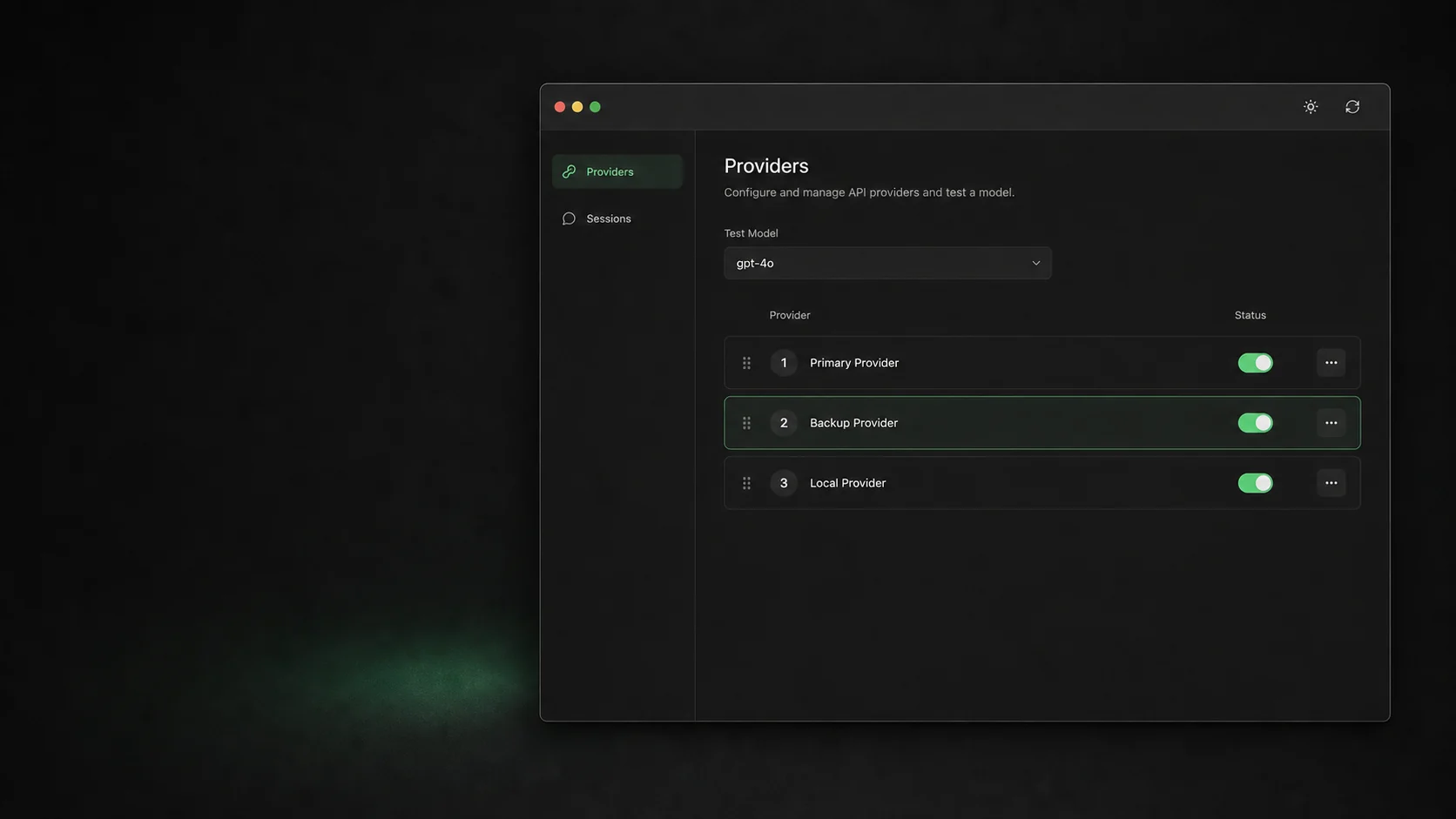
安全切换供应商,管理模型目录,不交出你的 OAuth 与 Context。 Switch providers and manage model catalogs without surrendering OAuth or Context.
保留供应商切换、模型目录、会话生命周期、配置诊断与签名校验的应用内更新。删除渲染注入、launcher 与市场。Keep provider switching, model catalogs, session lifecycle, diagnostics, and signed in-app updates. Remove injection, launchers, and marketplaces.
settings、provider config、目录与指针共同提交,任一步失败都恢复完整上一代。Commit settings, provider config, catalogs, and pointers together, then restore the complete prior generation on failure.
活动与归档分页、可恢复归档、首次预览确认,以及每 24 小时一次的安全检查。Paginated active and archived views, reversible archives, consent preview, and a safe daily check.
官方元数据、供应商证据和自定义模型分开管理。供应商遗漏不会隐藏官方条目。Manage official metadata, provider evidence, and custom models separately. Provider omissions never hide official entries.
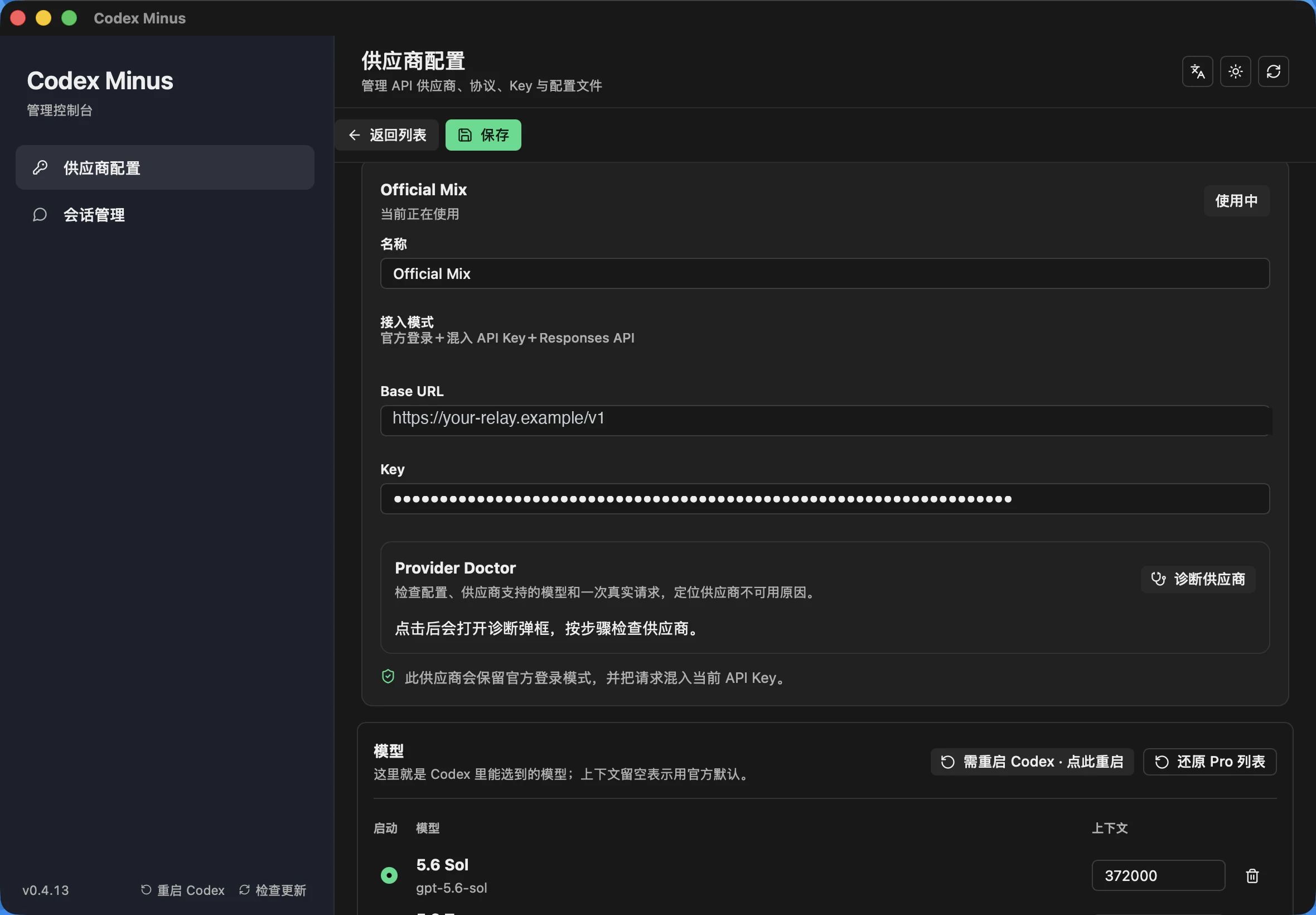
认证由官方客户端管理,Context 表先快照后回植,所有 live 写入共同回滚。The official client owns auth, Context tables are preserved, and every live write shares one rollback boundary.
auth.json 保持只读。Provider profiles never persist or restore credentials, and live auth.json stays read-only.支持 macOS(Apple Silicon)和 Windows(x86_64)。更新由应用内完成:下载、验签、安装、重启一键走完;用户设置保留在独立目录。Supports macOS (Apple Silicon) and Windows (x86_64). Updates run in-app — download, signature check, install, relaunch — while user settings remain in a separate directory.
前往 Release 页面,下载对应平台的最新版本。Go to the Release page and download the latest version for your platform.
shasum -a 256 -c SHA256SUMS
~/.codex-session-delete/ 不会随覆盖安装删除。remains outside the app bundle.Codex Minus 宁可禁用不安全路径,也不假装已经解决。Codex Minus disables unsafe paths instead of pretending they are solved.
当前没有 Intel 构建、Developer ID 签名或 Apple 公证。There is no Intel build, Developer ID signature, or Apple notarization yet.
Chat Completions 与聚合供应商依赖已删除的上游 launcher,请勿使用。Chat Completions and aggregator profiles depend on the removed upstream launcher and should not be used.
官方目录刷新要求可读取的 ChatGPT 文件凭证,暂不支持 keyring-only。Official refresh requires readable ChatGPT file credentials and does not yet support keyring-only stores.
下载可校验的 macOS 或 Windows 应用,或直接阅读完整 AGPL 源码。Download the verifiable macOS or Windows app or inspect the complete AGPL source.