Asia/Shanghai
ProjectsAugust 16, 2026

Clean Design

image
Clean Design is a local-first visual creation studio for Apple Silicon Macs. It uses an AI tool you already have to turn a prompt into a real project that remains editable on the canvas, inspectable as files, and exportable as a portable handoff. It is not an account-based SaaS or hosted collaboration workspace. The user brings the intelligence through a supported local CLI or a separately configured BYOK provider. Clean Design supplies the visual workspace, project model, assets, themes, previews, and handoff. AI generation is useful, but a generated answer is not yet a durable visual project. Clean Design keeps the result in a workspace where the user can refine the composition, inspect the source, maintain DESIGN.md, manage assets, and carry the whole project into the next step.
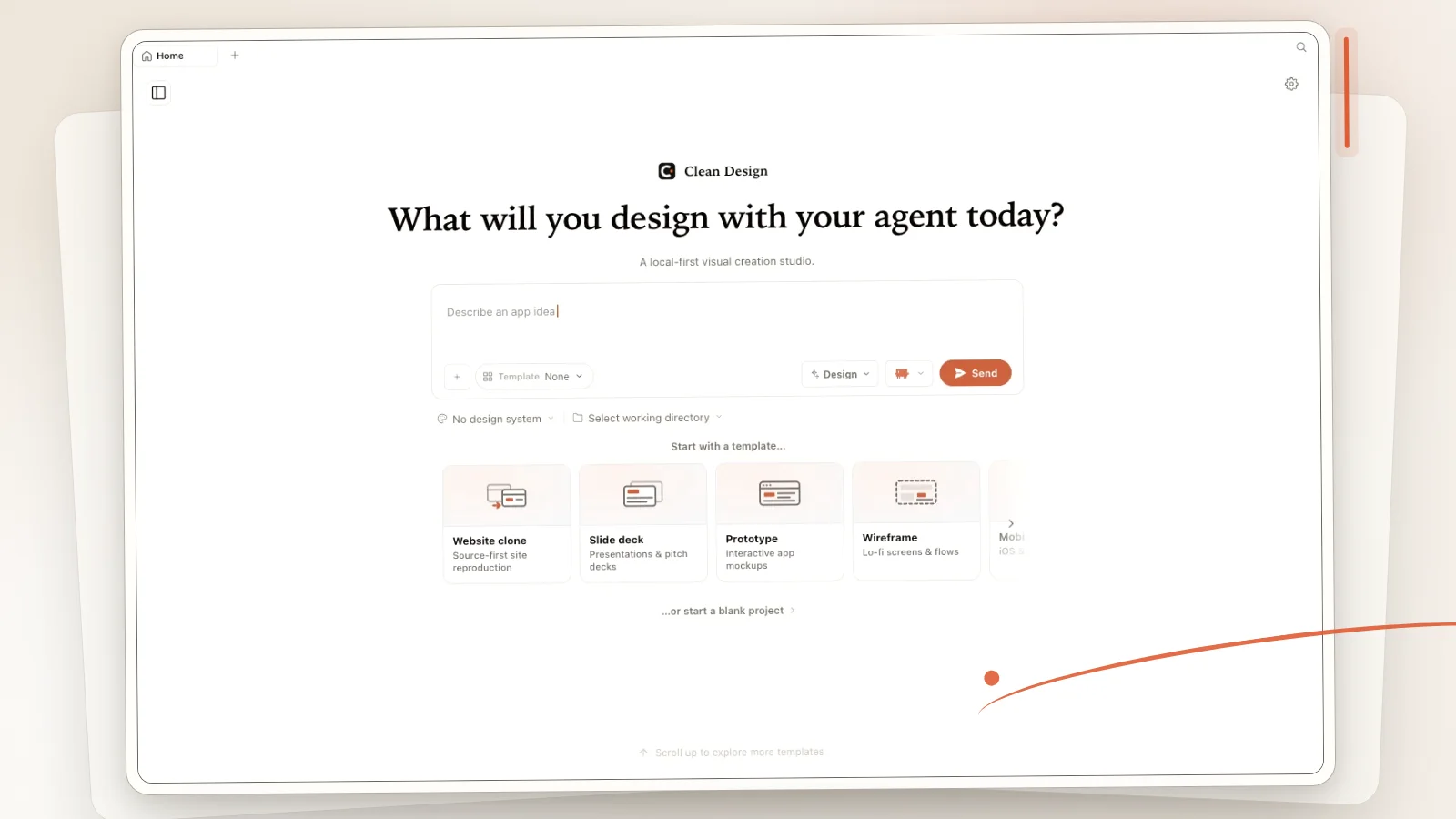
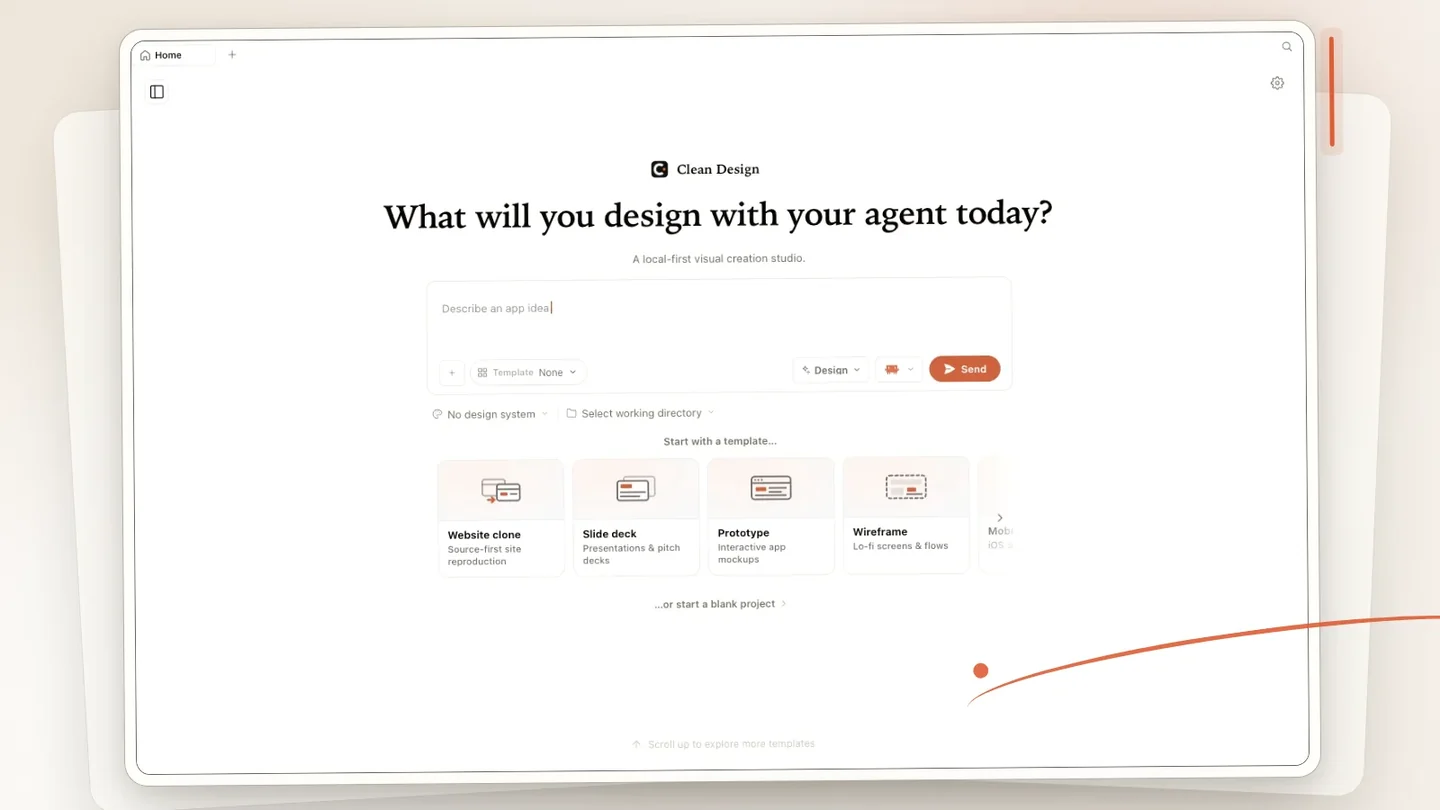
Clean Design Home shown as a real, editable Mac visual workspace
The Home surface makes the product contract visible: start from a prompt, choose a template or blank project, add local context, and keep the work attached to a real directory.
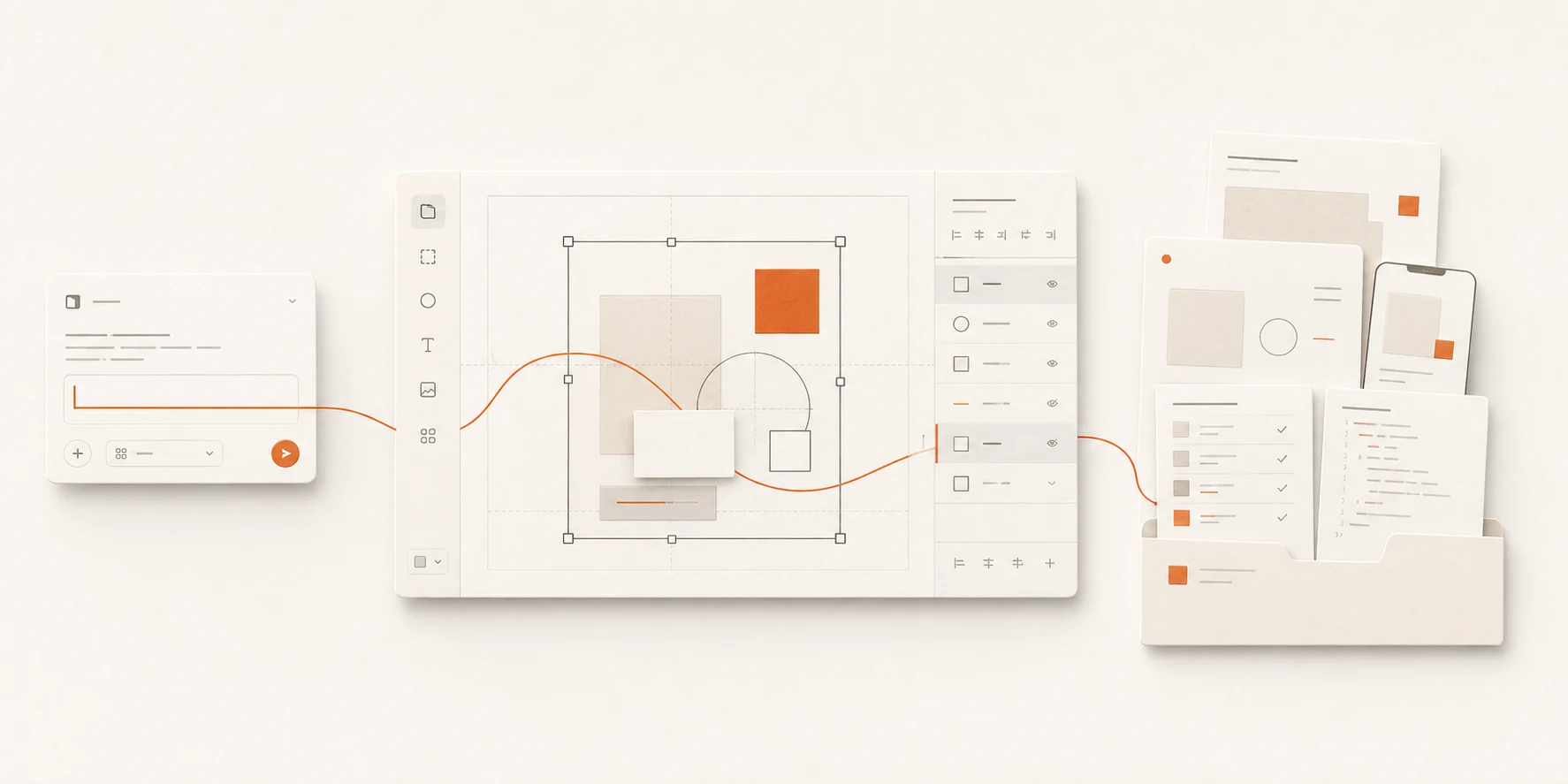
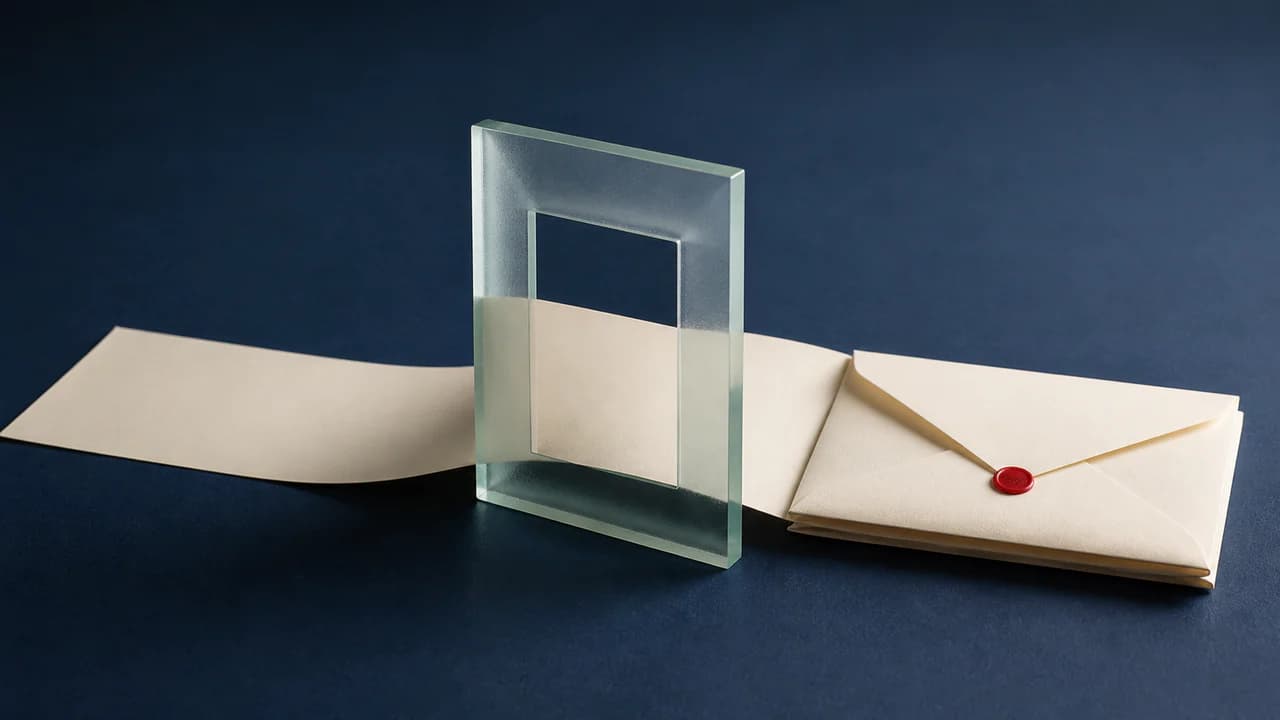
A prompt flowing into a Clean Design canvas and portable handoff
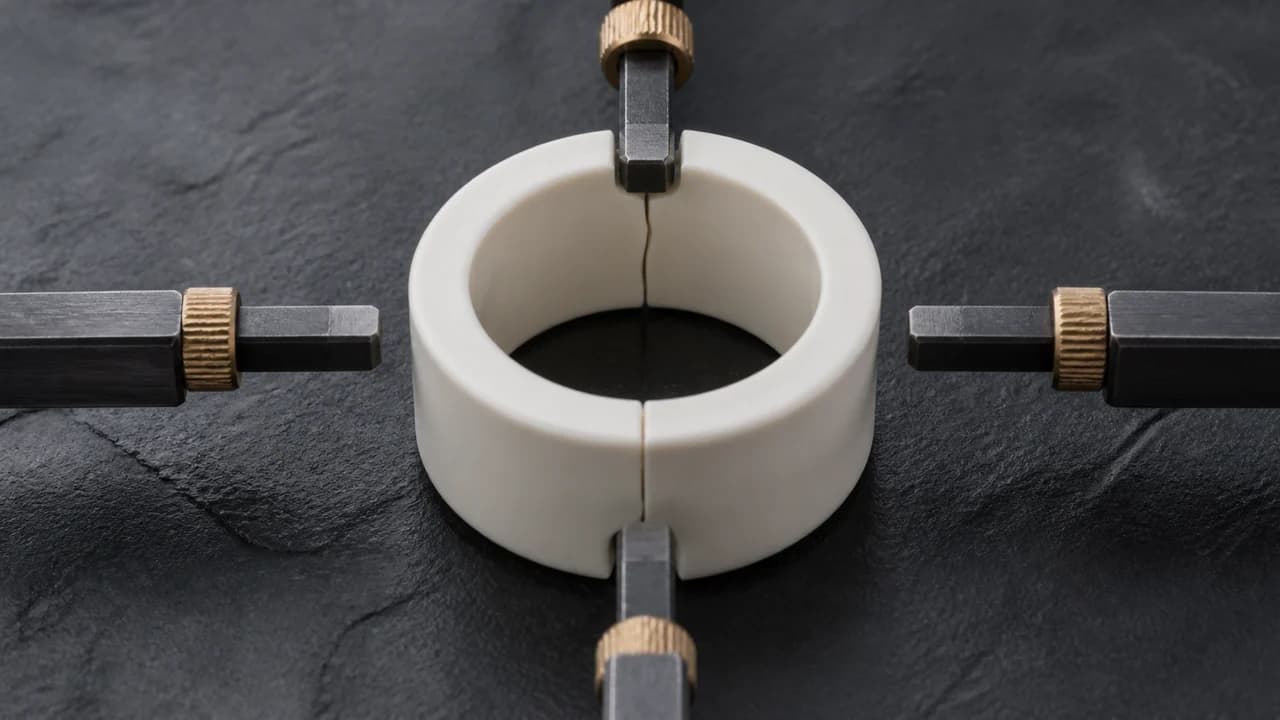
Clean Design supports exactly five public local CLI runtimes: Codex, Claude Code, Antigravity, OpenCode, and Pi. BYOK is configured separately inside the app rather than presented as a sixth local CLI. The result moves through one visual path: describe the work, generate it, refine it on the canvas, then export a handoff with project files, design context, a manifest, and available previews.
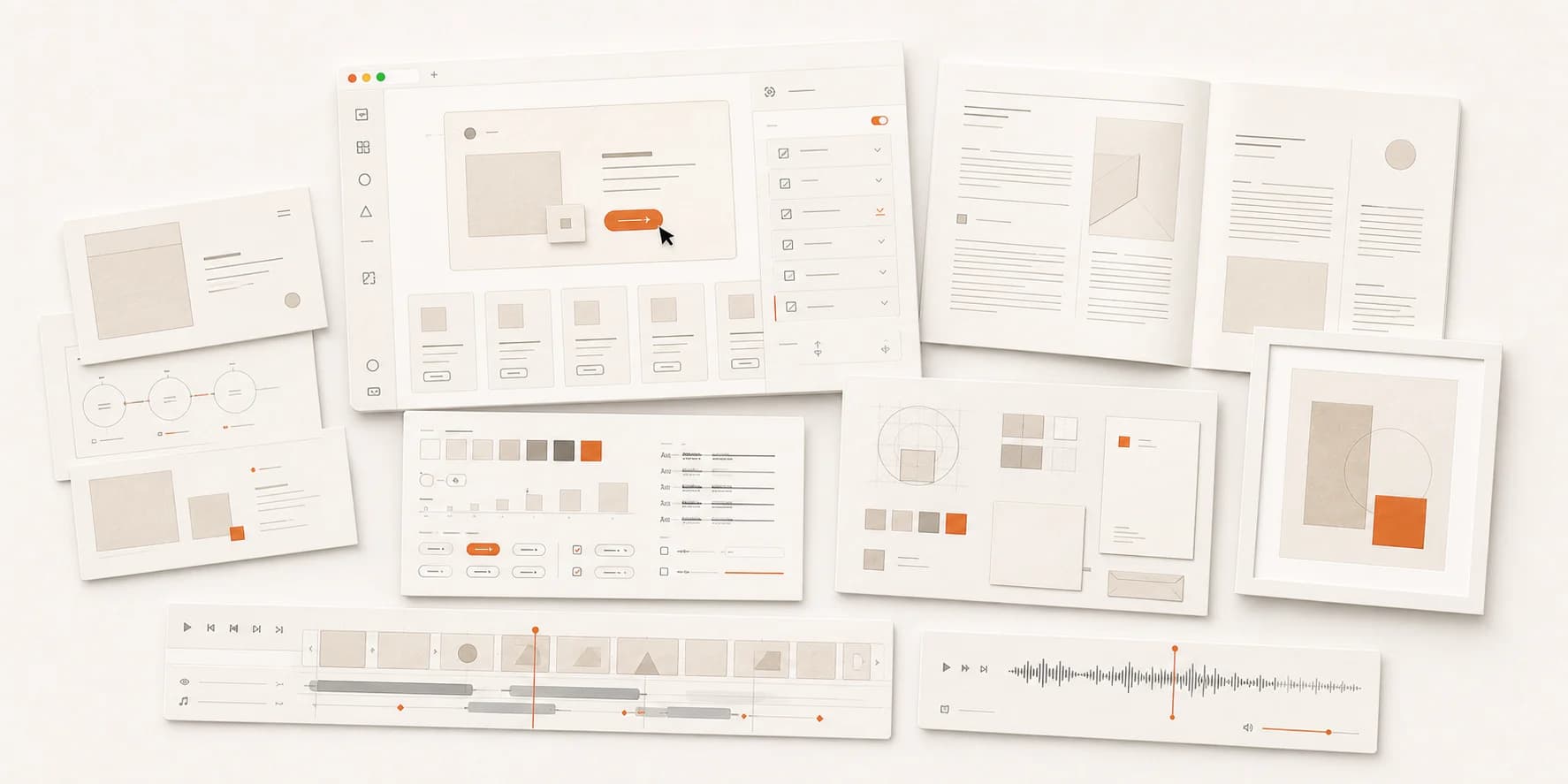
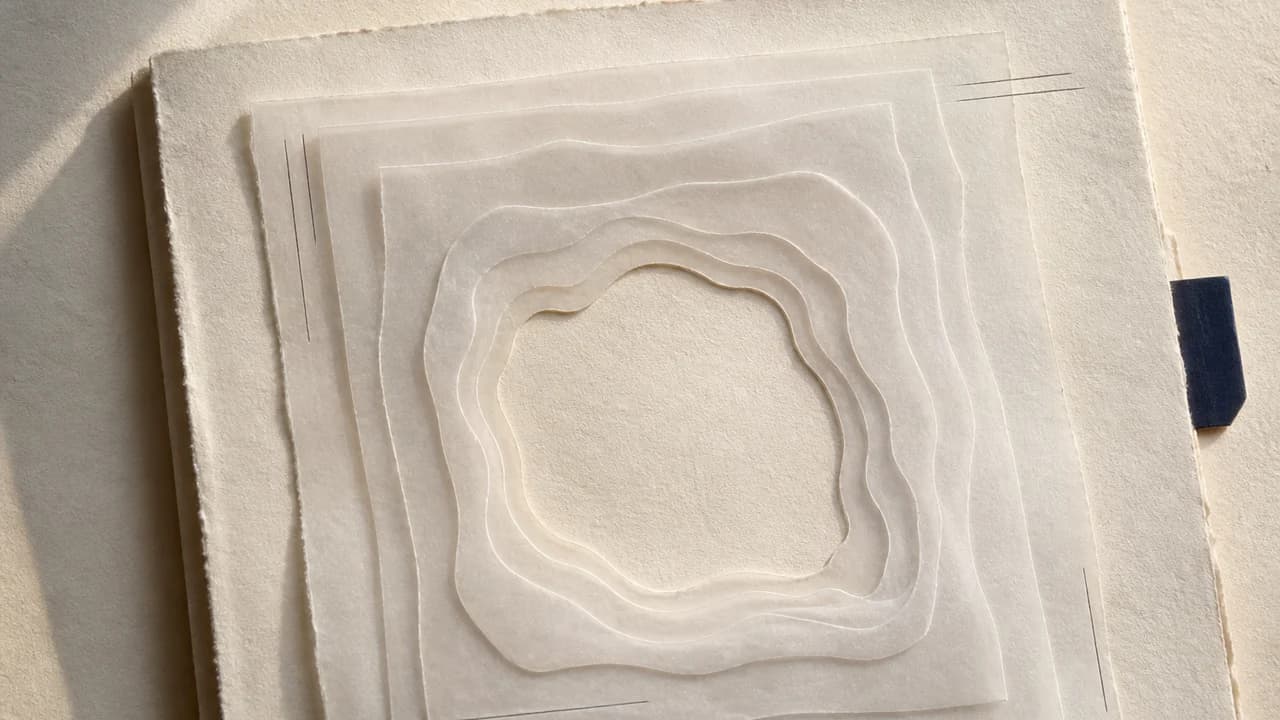
A studio spread representing prototypes, decks, documents, design systems, brands, images, video, and audio
The same project model supports prototypes, slide decks, documents, design systems, brand kits, images, video, and audio. Each artifact remains a project on disk rather than a result trapped inside a hosted workspace.
  • Projects, assets, history, settings, and exports stay on the Mac.
  • There is no Clean Design account, subscription, hosted workspace, product telemetry, or automatic updater.
  • Local HTTP services bind to loopback and preserve authenticated local IPC boundaries.
  • Network requests require an explicit provider, an invoked local CLI, or a resource the user requested.
  • Provider secrets cross the protected desktop boundary and are stored through Electron protected storage.
The current public release is v0.1.0 for Apple Silicon Macs. It is ad-hoc signed but not Apple-notarized, so Gatekeeper may require Control-click and Open after the download has been verified. Updates are manual and do not replace project data.
Clean Design 是面向 Apple 芯片 Mac 的本地优先视觉创作工作室。它使用你已经拥有的 AI 工具,把一句提示变成真实项目:可以在画布上继续编辑,可以按文件检查,也可以导出可移交的完整成果。 它不是账户型 SaaS,也不是托管协作工作区。用户通过受支持的本地 CLI 或单独配置的 BYOK 提供智能能力;Clean Design 提供视觉工作区、项目模型、素材、主题、预览和移交能力。 AI 可以生成内容,但一次生成还不是能够长期使用的视觉项目。Clean Design 把结果保留在工作区中,让用户继续调整构图、检查源码、维护 DESIGN.md、管理素材,并把完整项目带到下一步。
真实、可编辑的 Clean Design Mac 视觉工作区
Home 页面直接呈现产品契约:从一句提示开始,选择模板或空白项目,加入本地上下文,并让作品始终关联真实目录。
提示进入 Clean Design 画布并导出可移交成果
Clean Design 只公开支持五个本地 CLI 运行时:Codex、Claude Code、Antigravity、OpenCode 和 Pi。BYOK 在应用内单独配置,不会被包装成第六个本地 CLI。 成果沿着一条视觉路径前进:描述需求、生成内容、在画布上继续打磨,然后导出包含项目文件、设计上下文、清单和可用预览的移交包。
由原型、演示文稿、文档、设计系统、品牌、图像、视频和音频组成的视觉工作室
同一个项目模型支持原型、演示文稿、文档、设计系统、品牌套件、图像、视频和音频。每一件作品都是磁盘上真实存在的项目,不会被困在托管工作区里。
  • 项目、素材、历史、设置和导出文件都保存在 Mac 上。
  • 无需 Clean Design 账户、订阅或托管工作区,不含产品遥测和自动更新。
  • 本地 HTTP 服务只监听回环地址,并保留经过认证的本地 IPC 边界。
  • 外部请求必须来自明确选择的模型提供商、已经调用的本地 CLI,或用户主动请求的资源。
  • 模型提供商密钥只穿过受保护的桌面边界,并通过 Electron 保护存储保存。
当前公开版本是面向 Apple 芯片 Mac 的 v0.1.0。应用使用 ad-hoc 签名,但没有经过 Apple 公证。校验下载后,Gatekeeper 可能要求按住 Control 点按应用并选择「打开」。版本更新需要手动替换应用,不会覆盖项目数据。

Related projects

another

another

在多个 coding agent 之间浏览、管理、迁移并继续真实会话:把对话写进目标 agent 的原生存储,而不是粘贴一份摘要。
Codex Minus

Codex Minus

面向 macOS 与 Windows 的精简 Codex 管理工具:安全切换供应商,管理官方与自定义模型目录,并保护 OAuth 与 Context。
JumpOTP

JumpOTP

面向授权 SSH/JumpServer 会话的按需 TOTP 助手。仅在严格匹配提示后调用已解锁的 Bitwarden CLI,每条连接最多自动提交一次,并保留可见手输回退。
Codex Doubao Pets

Codex Doubao Pets

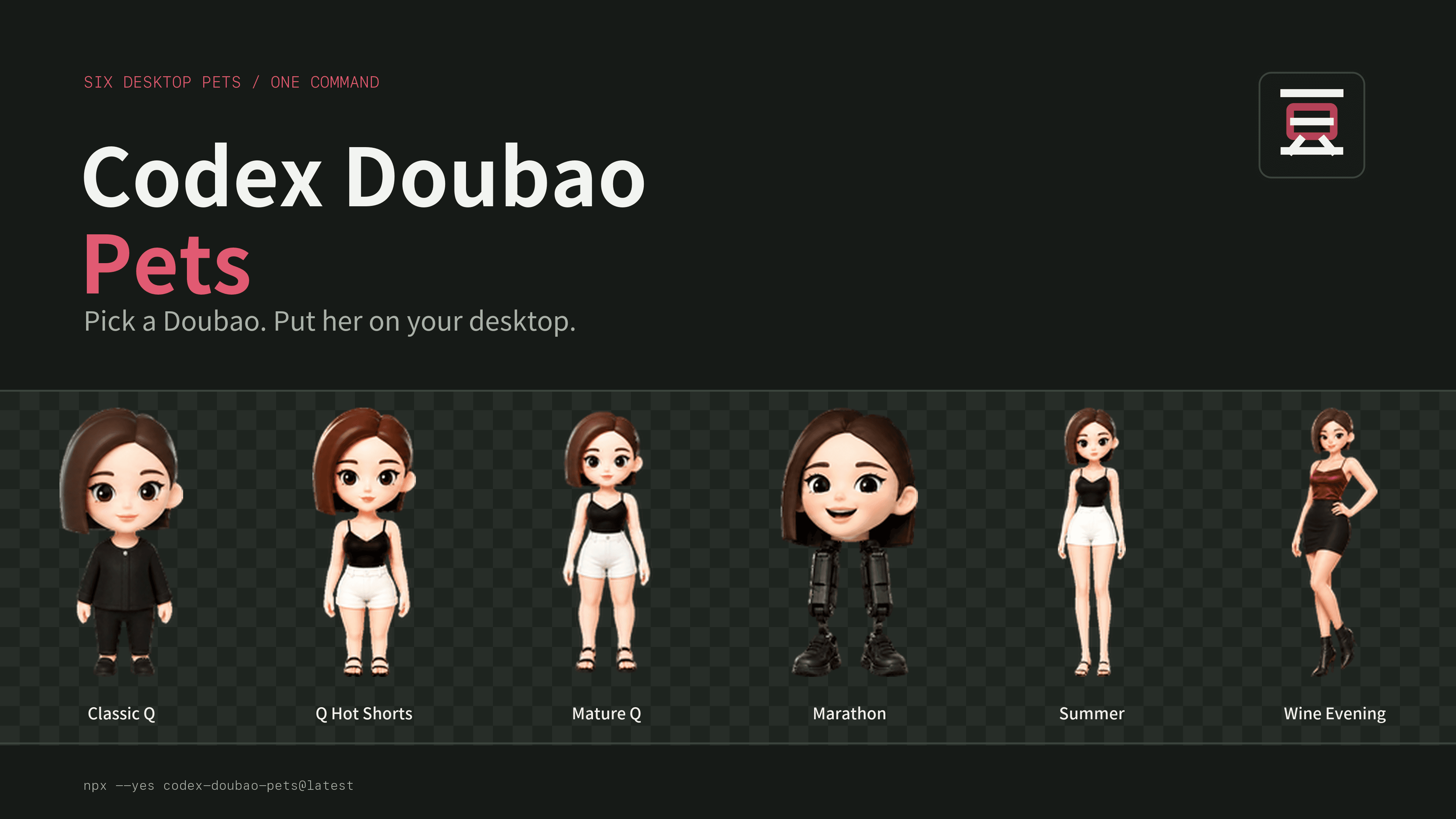
六个可以直接安装到 Codex Desktop 的豆包桌宠。用真实角色图完成选择,用一条 npm 命令完成安装。
loop

loop

一次显式触发,按产物就绪状态自动连接 deep-grill、deep-design 和 deep-build,持续推进到已确认规格或可验证结果。
Slash Saver

Slash Saver

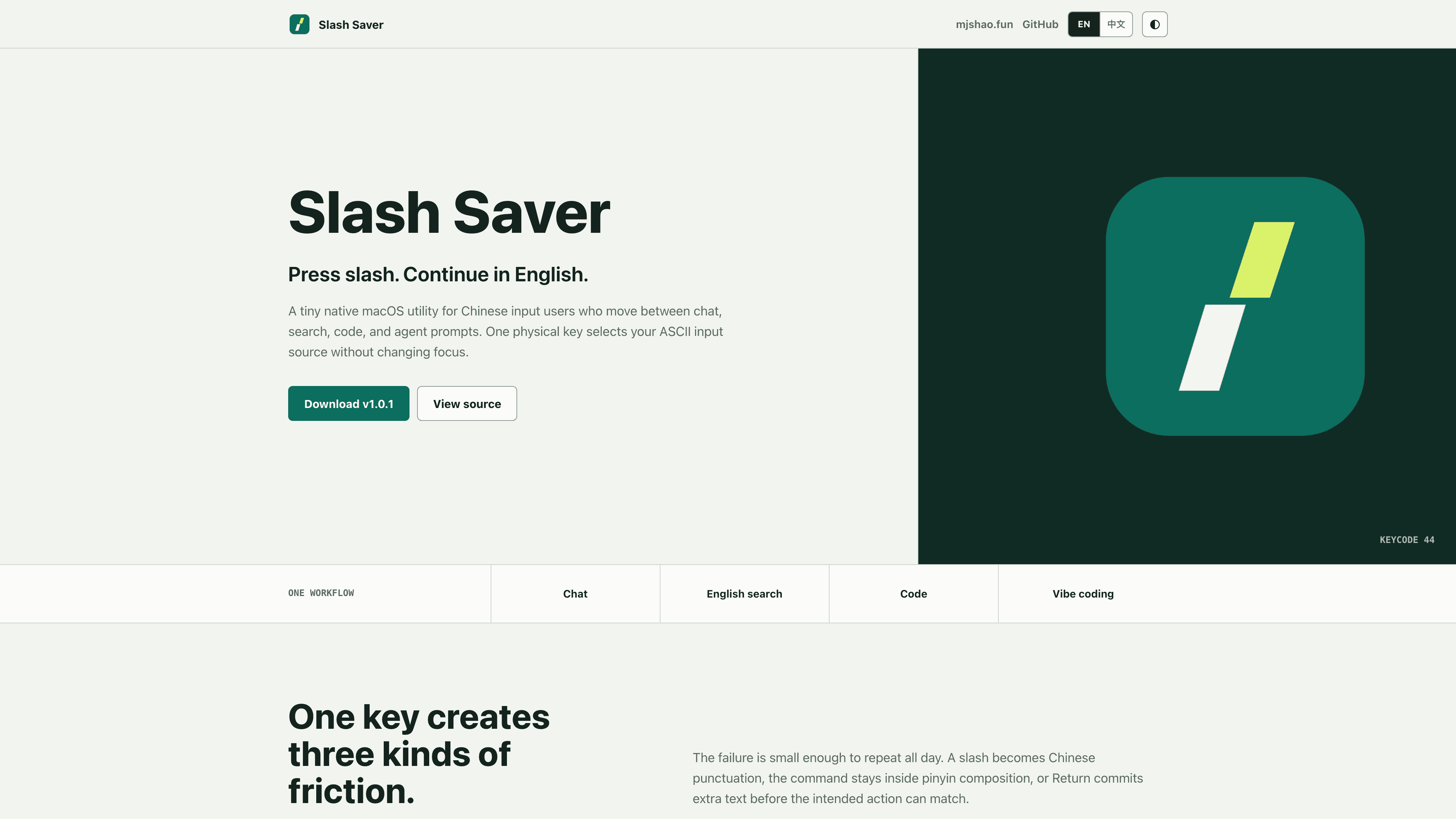
一个只为物理斜杠键做一件事的原生 macOS 工具:在原始按键进入当前应用前,切到用户指定的 ASCII 输入源。
deep-grill

deep-grill

同一个 Agent Skill,用探索模式把原始想法变成已确认 Product Brief,用审查模式压力测试成形方案,并在普通回复中持续当前会话。
Mingjian AI Services

Mingjian AI Services

A focused collaboration entry for teams moving from AI ideas to working products, Agent systems, and operable business workflows.
opencode-sub2api-haiku-fix

opencode-sub2api-haiku-fix

A focused OpenCode plugin that fixes Claude Haiku extra-usage failures through Sub2API while preserving thinking and leaving Sub2API, OpenCode, and OMO untouched.
opencode-metrics

opencode-metrics

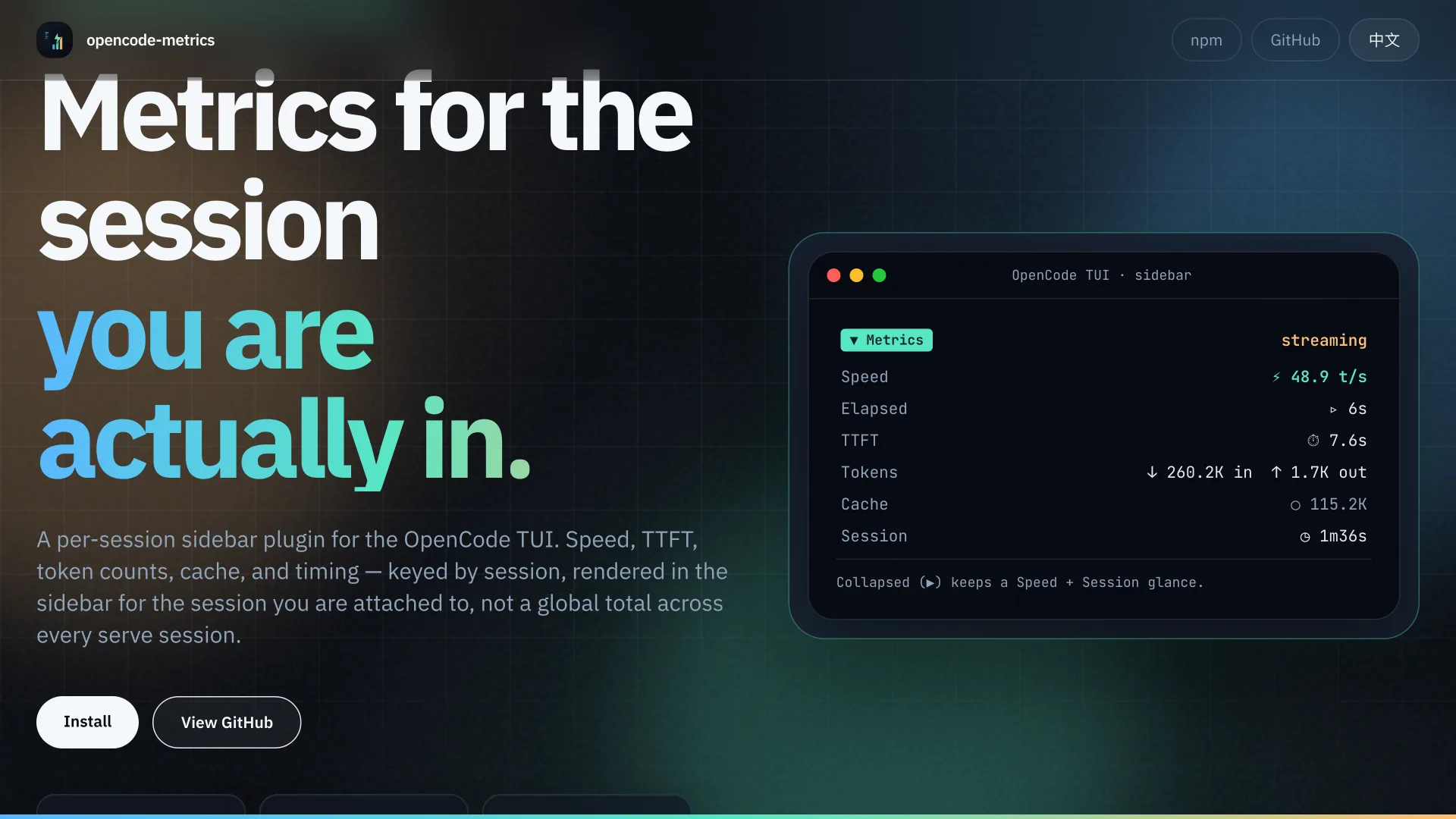
OpenCode TUI 的分会话侧边栏指标插件。按 sessionID 记录速度、TTFT、token、缓存、计时,只显示你当前 attach 的会话,而不是 serve 模式下的全局汇总。
opencode-plugin-fixes

opencode-plugin-fixes

Archived OpenCode guardrail experiment. The final source tree covers four narrow tool-call repairs; no npm package was ever published.
opencode-vibe-island-plugin

opencode-vibe-island-plugin

让 Vibe Island 在装了 oh-my-openagent 时仍然把 OpenCode 会话当成 OpenCode。修好 source 误标和 Ghostty 点击跳转。
OpenCode Themes

OpenCode Themes

Terminal-inspired dark themes for Obsidian, Typora, and Ghostty, all synced to the official OpenCode TUI palette.
wechat-mp-publisher

wechat-mp-publisher

从个人公众号 Skill 到可公开安装的 npm 包:本地校验与沙箱预览在前,用户确认后只创建草稿。
SIGINT

SIGINT

已归档的内容情报实验:曾把小红书/抖音采集、AI 分析、n8n 编排与实时仪表盘接成一条完整链路。
MdictLive

MdictLive

Modern web reader for MDict dictionaries with React 19 SPA, dark mode, and faithful rendering.
SiliconLM

SiliconLM

Local LLM dashboard for Apple Silicon Macs, currently preserved without an active local deployment.
mdx2apple

mdx2apple

Convert MDict (.mdx/.mdd) dictionaries to macOS Apple Dictionary format with one command.